Pricing

The most advanced work operating system for busy professionals and modern teams.

Free

Ideal for students and hobbyists on their way to becoming more productive.

Freeforever
Key Features

Tasks, calendars, notes & contacts

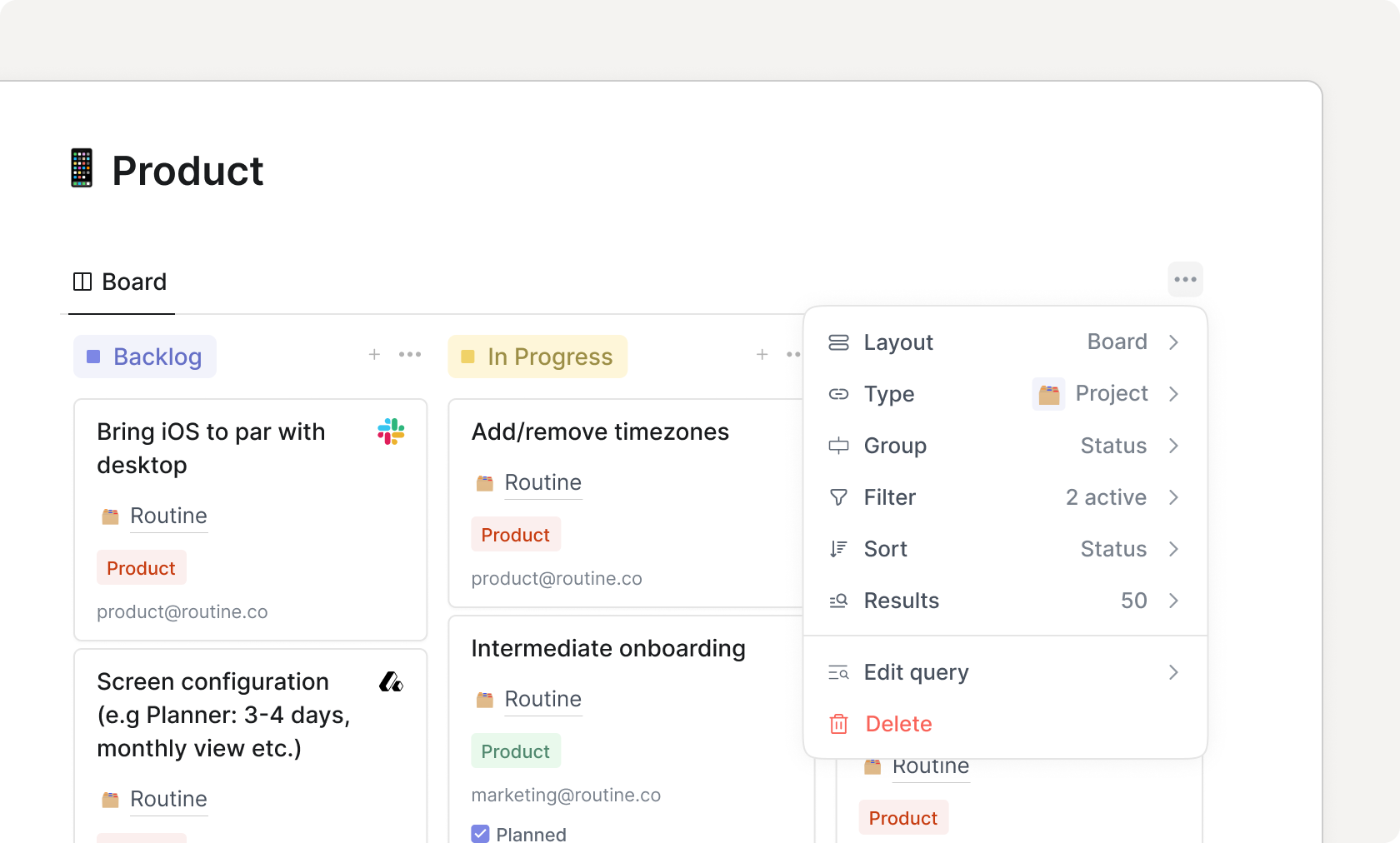
Custom types

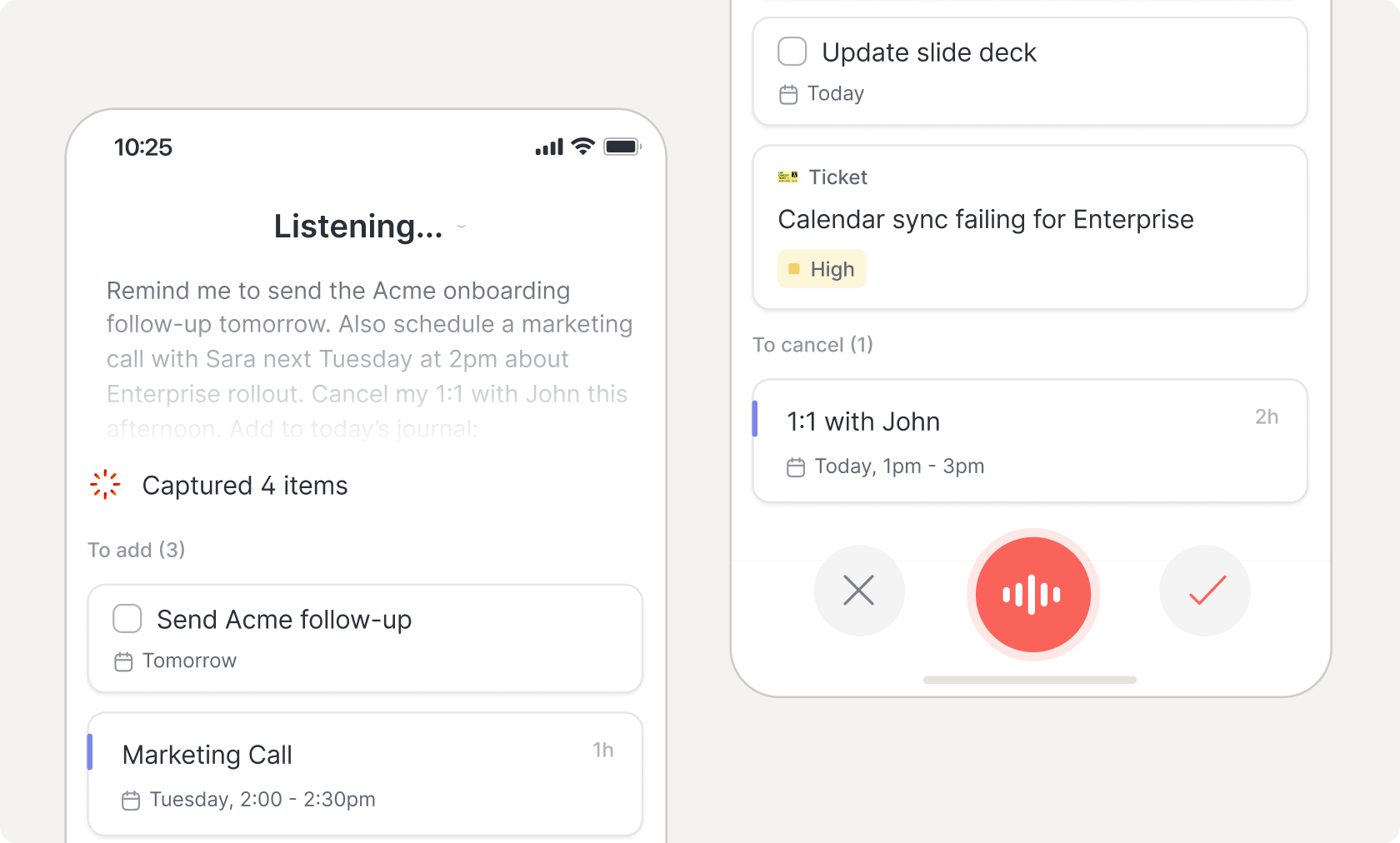
Natural language

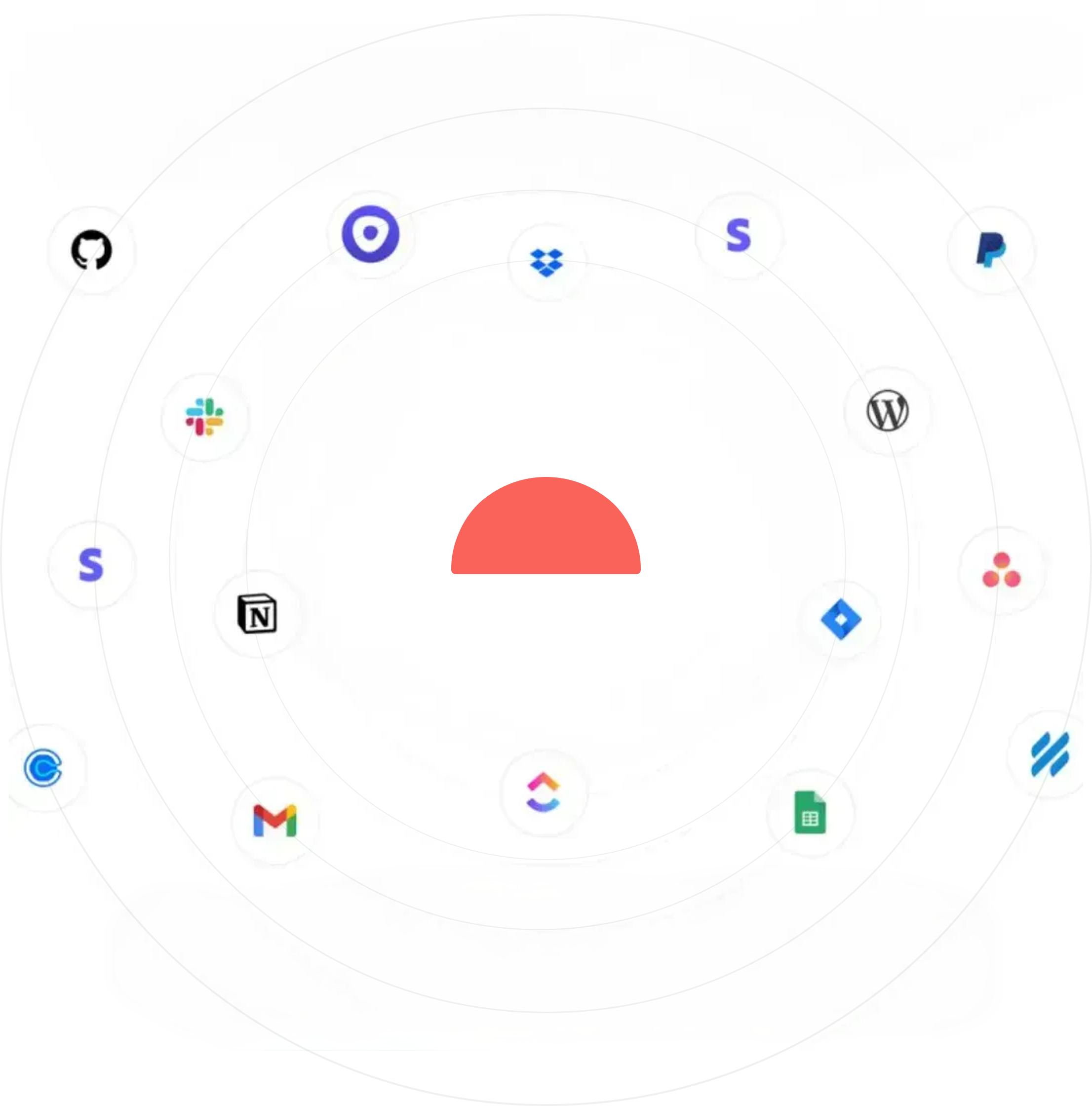
Unlimited integrations

Collaboration

Offline mode

Professional

The productivity assistant of executives, freelancers and managers alike.

$10 per seat/monthcancel anytime
Key Features

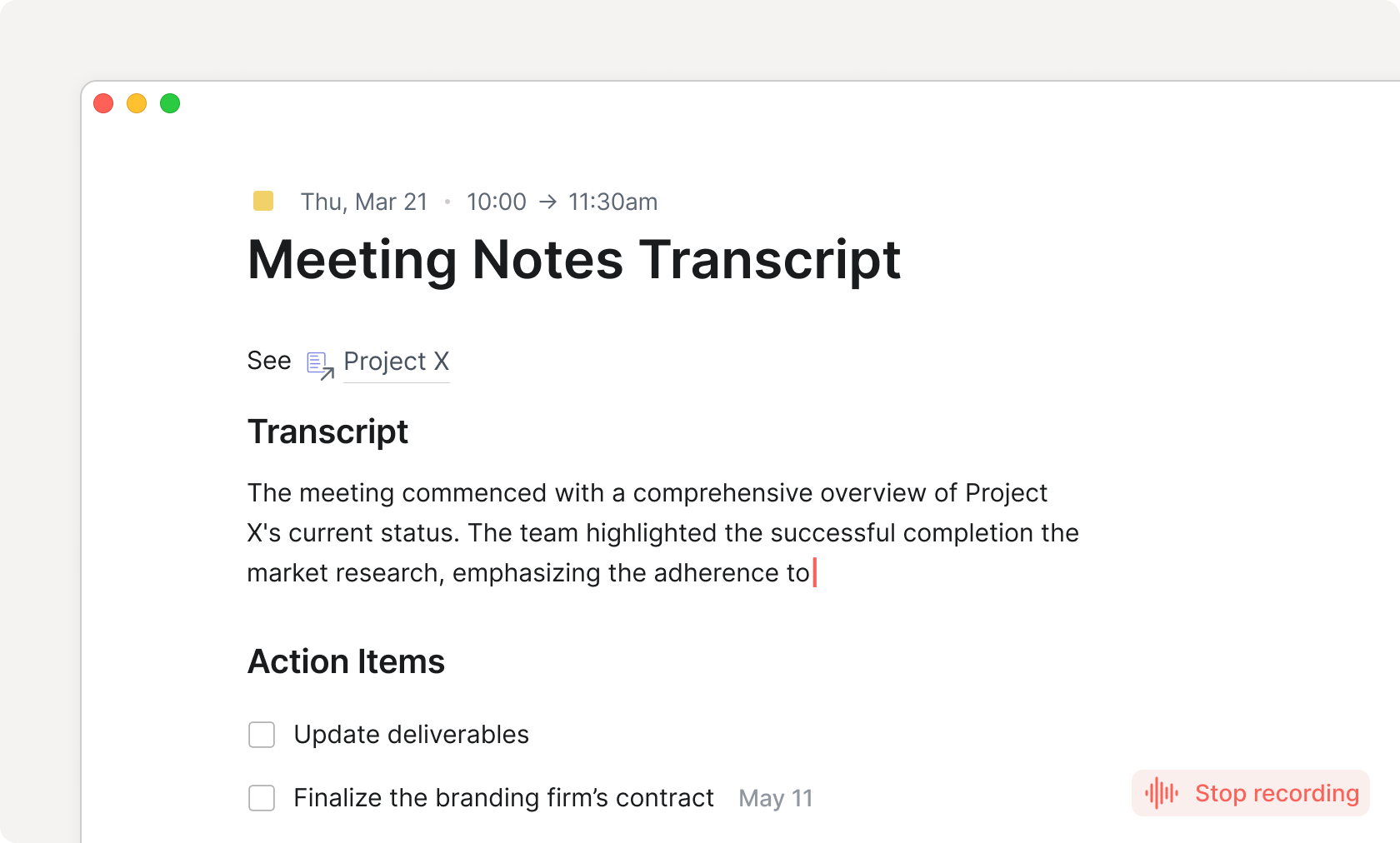
AI meeting notes

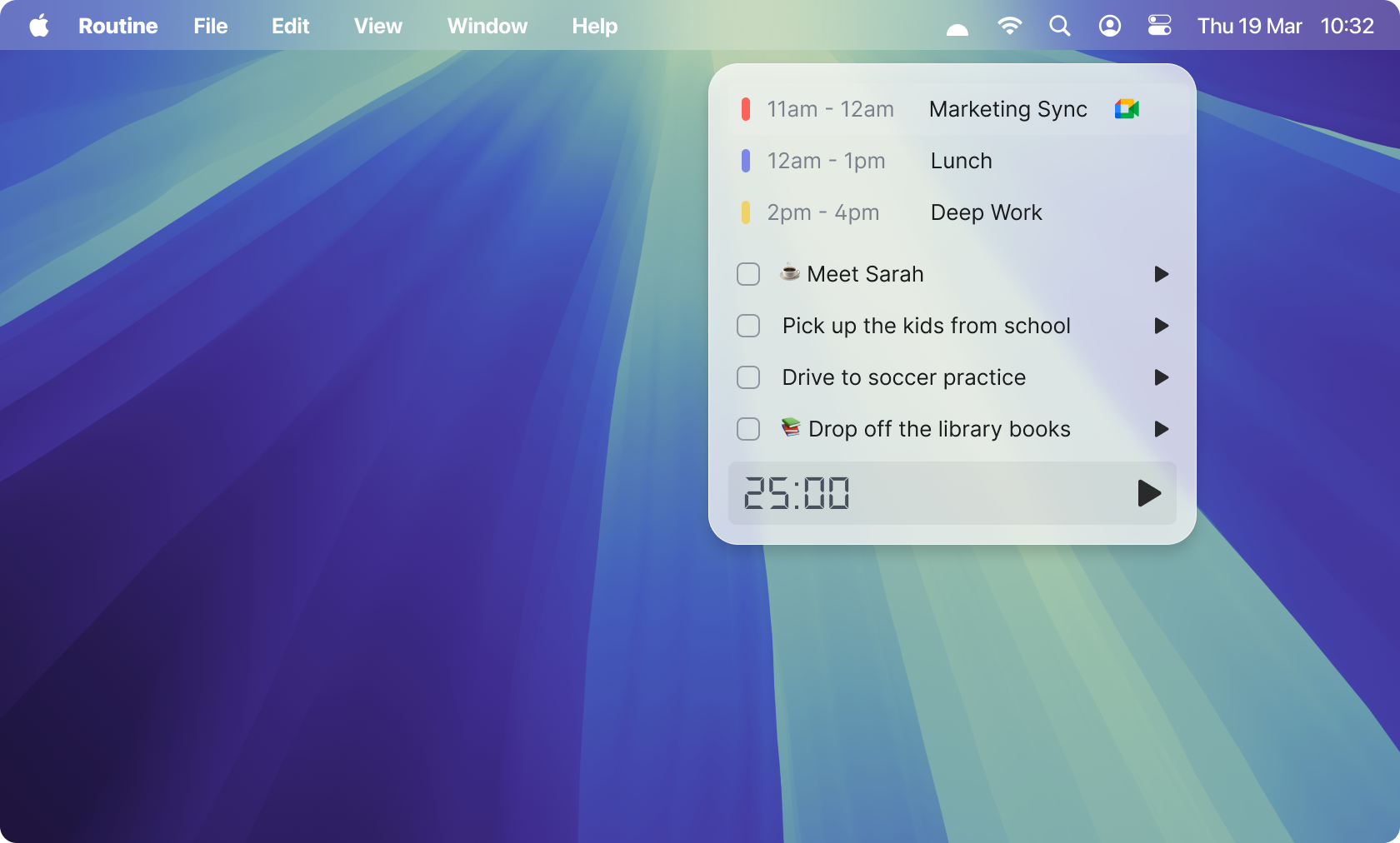
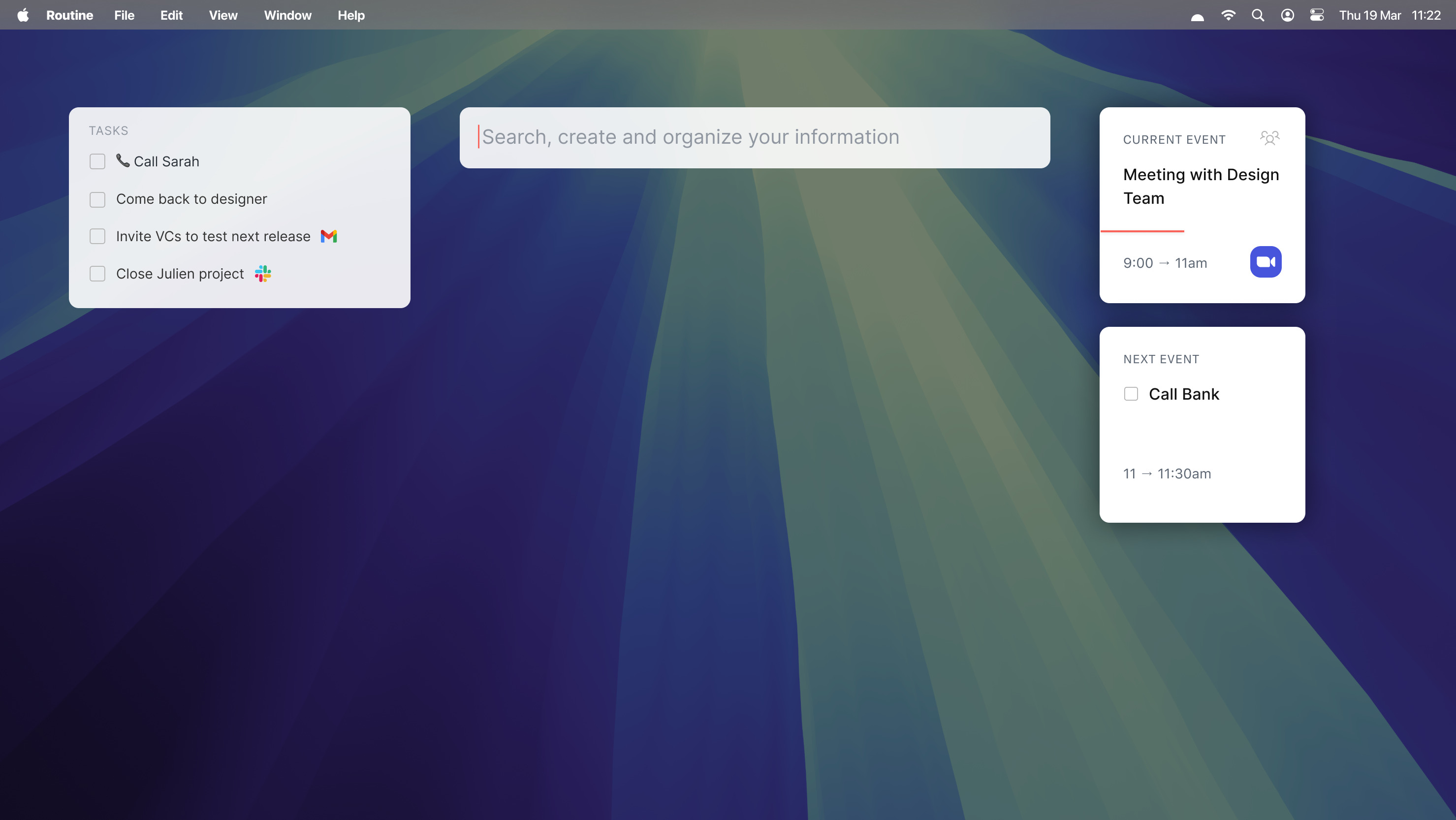
Menu bar widget

Time tracking

Contextual capture

30-day history

Premium support

Business

The productivity suite for the most effective teams around the world.

$15 per seat/monthcancel anytime
Book demo
Unlimited AI
Key Features

Workspaces

Access control

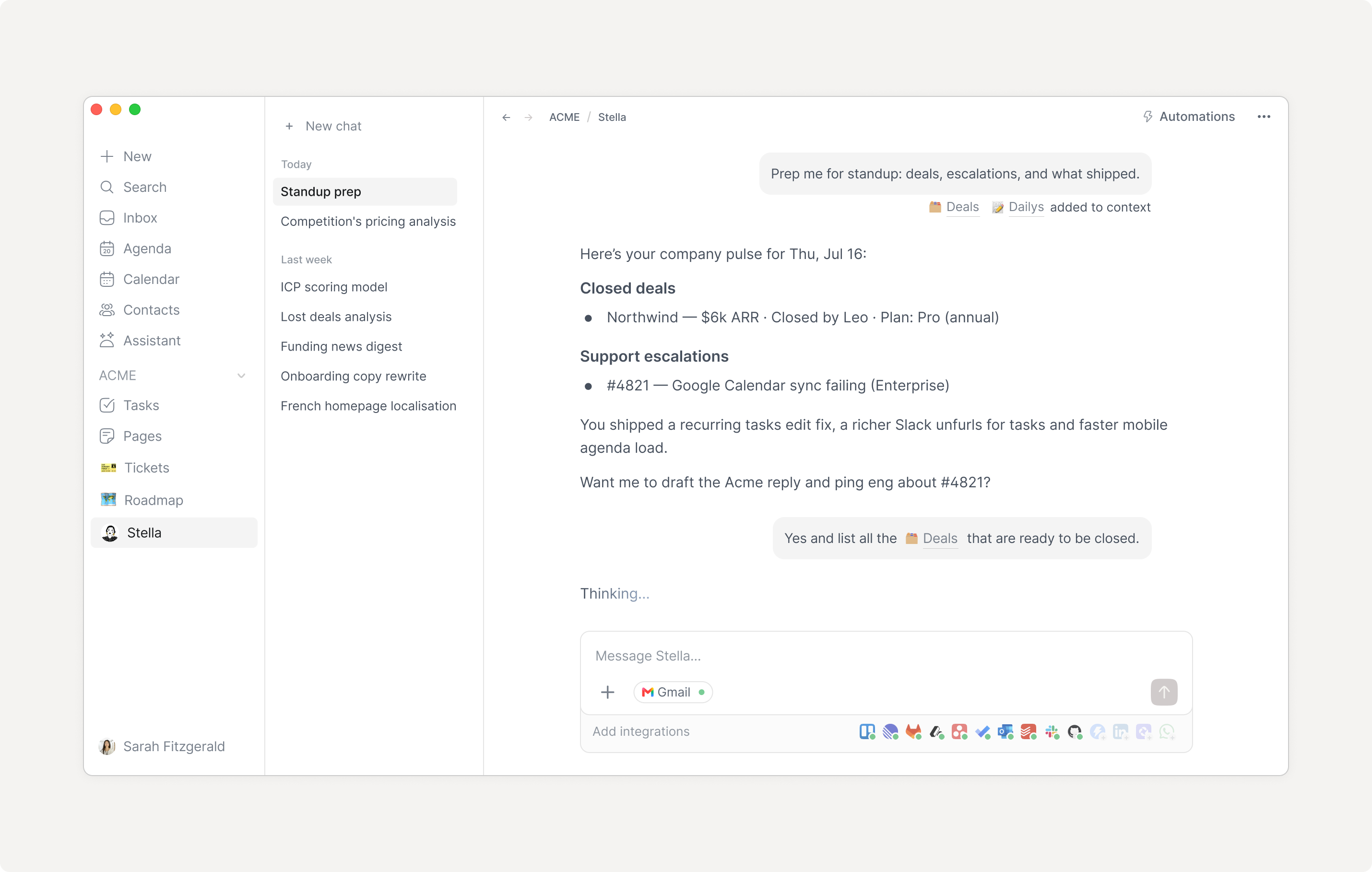
AI agents

Versioning

90-day history

Priority support

Enterprise

For more control and security across your entire organization.

Contact us-
Key Features

Unlimited history

Compliance

Audit logs

Analytics

User provisioning

Success manager

Testimonials

What our customers are saying

Underrated productivity apps IMO 👀 — @NotionHQ — @Todoist — @RoutineHQ
Francesco D'AlessioX/Twitter Logo

Francesco D'Alessio

Founder @ ToolFinder
I'm actually kind of blown away by @routinehq. It's refreshing to finally see some innovation in the daily planner app category. There's a ton of potential here. Task management is time management.
Sean OliverX/Twitter Logo

Sean Oliver

Obsessed with Productivity
Routine combines tasks, calendar management, and documentation in a UI that enables optimal week-to-week planning. My favorite feature is the dashboard, where I can quickly capture things that otherwise would fall through the cracks.
Mathias Rhein

Mathias Rhein

Scientist, Educator and Coach
I’ve tried about every app on the market over the past ten years, and for the first time, I have stuck to one after using Routine for the past two months. And I love the integration with Google Calendar and Google Tasks.
Clement CazalotProductHunt Logo

Clement Cazalot

Managing Director at Techstars Boston
Love Routine - and not only for its good looks!
Reshma KhilnaniProductHunt Logo

Reshma Khilnani

Visiting Partner at Y Combinator
Great app! It gives a lot of structure to my work and helps me manage my time much better!
Eliott JabesProductHunt Logo

Eliott Jabes

Founder & CEO at Stockly

Features

Free
Free
Get started
Professional
$10 per seat/month
Get started
Business
$15 per seat/month
Book demo
Enterprise
Contact us
Book demo
Core
Backlinks
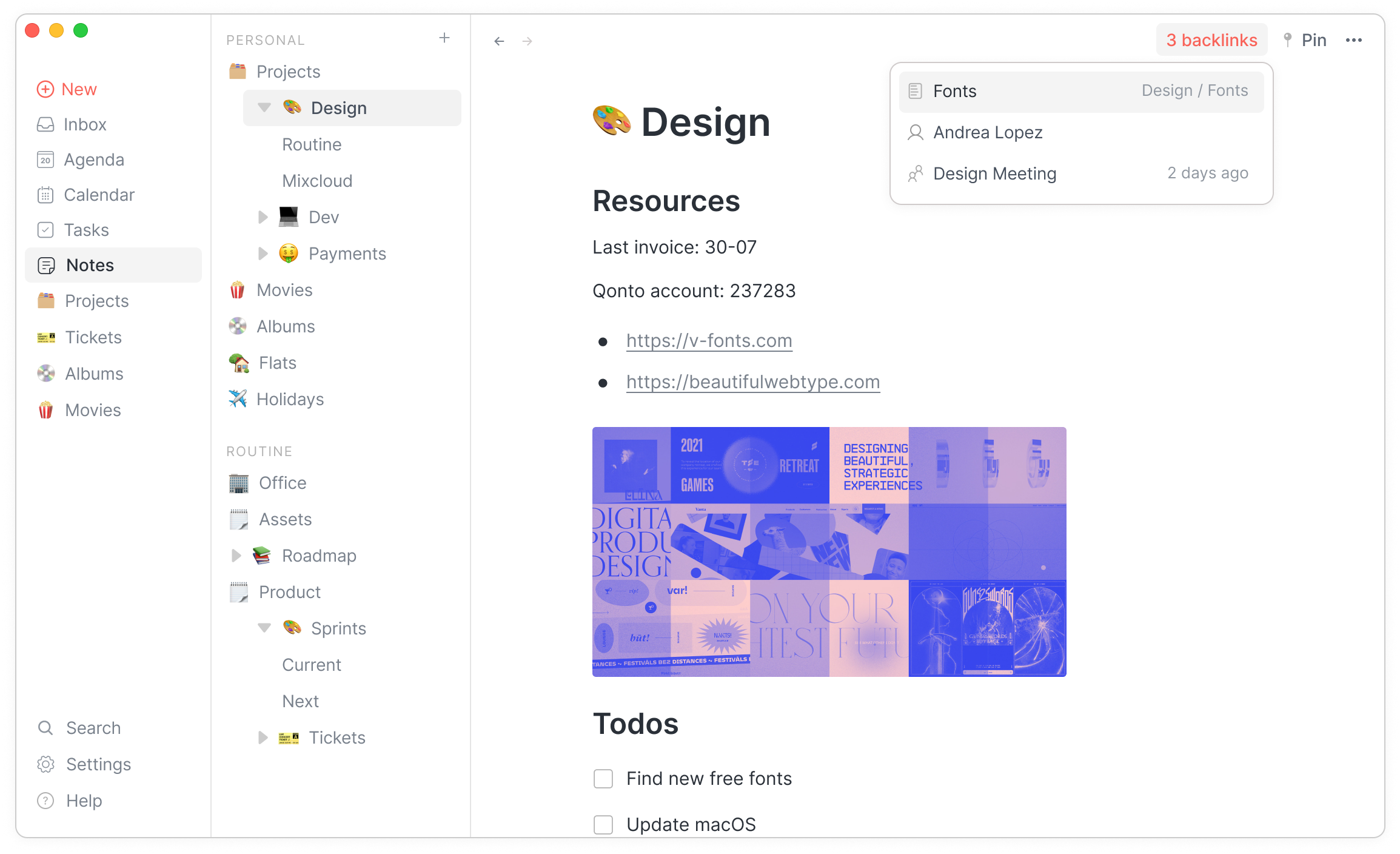
Reference Backlinks
Easily visualize which items are referencing an object.
Calendar layouts
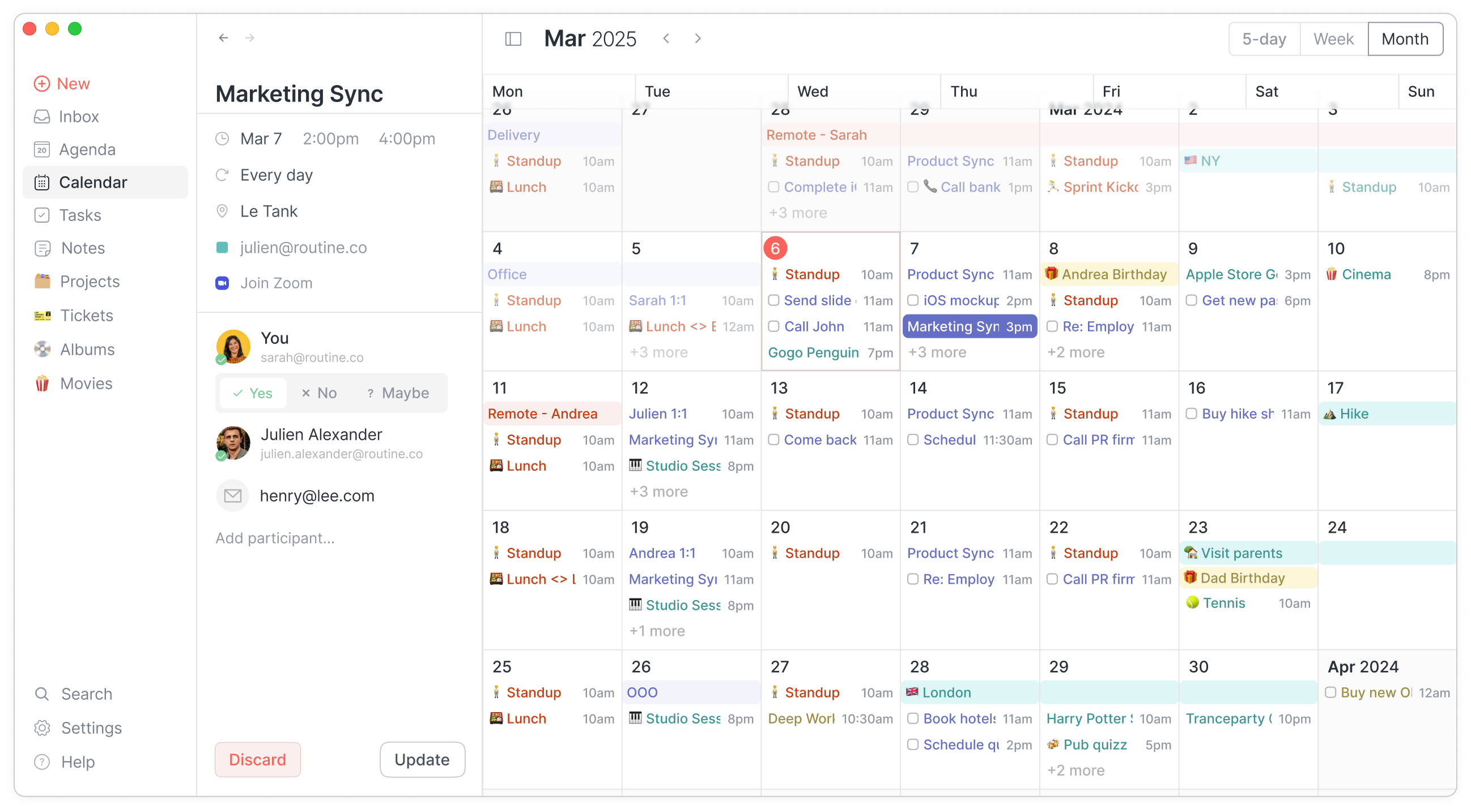
Calendar View - Month
Display events through various layouts: 5-day, weekly & monthly.
Custom types
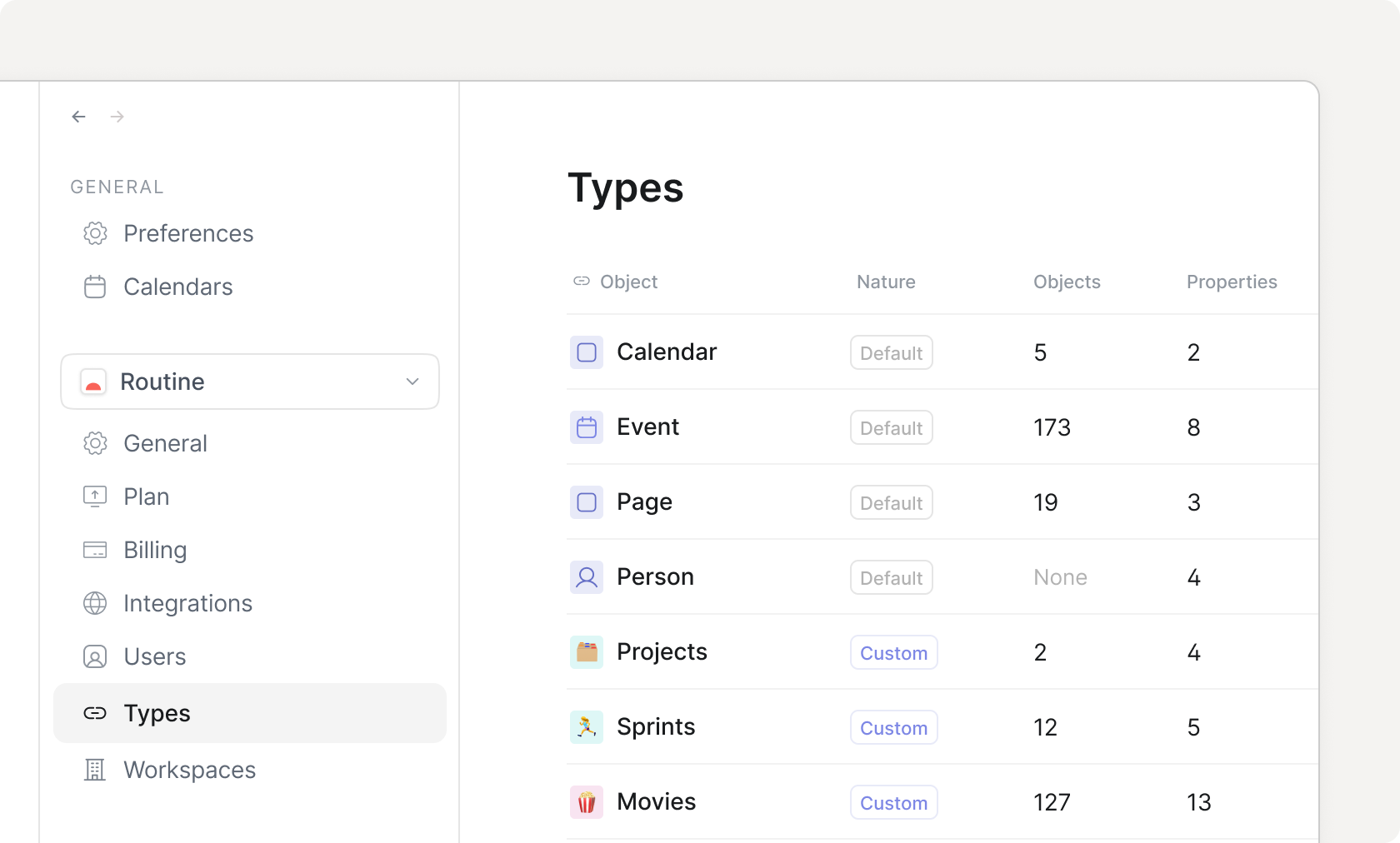
Home Custom Types
Define your own data model through custom types with properties, relations etc.
Customizable menu
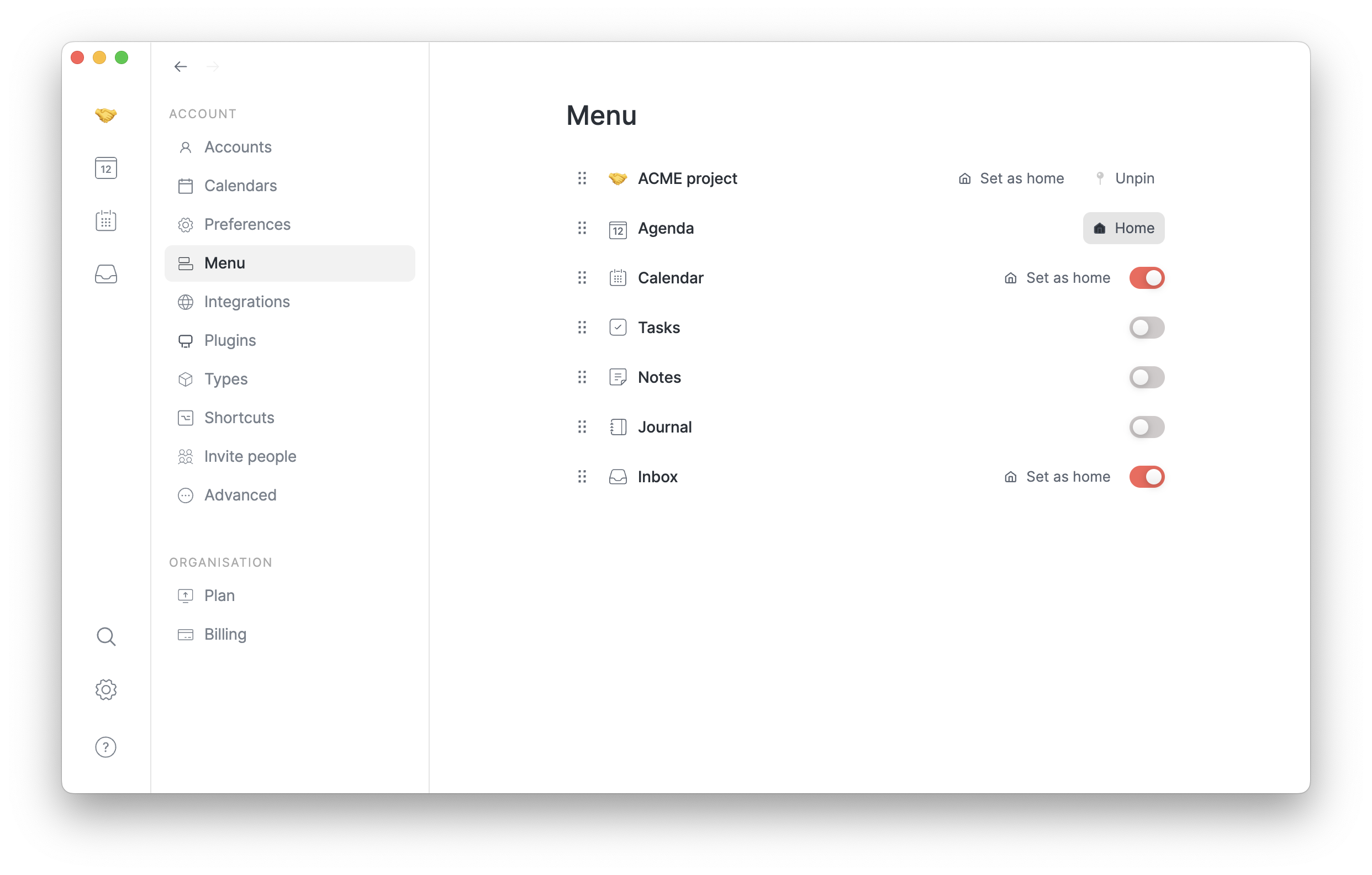
Customizable menu
Customize the menu to display and access only the screens that matter to your workflow and hide the rest.
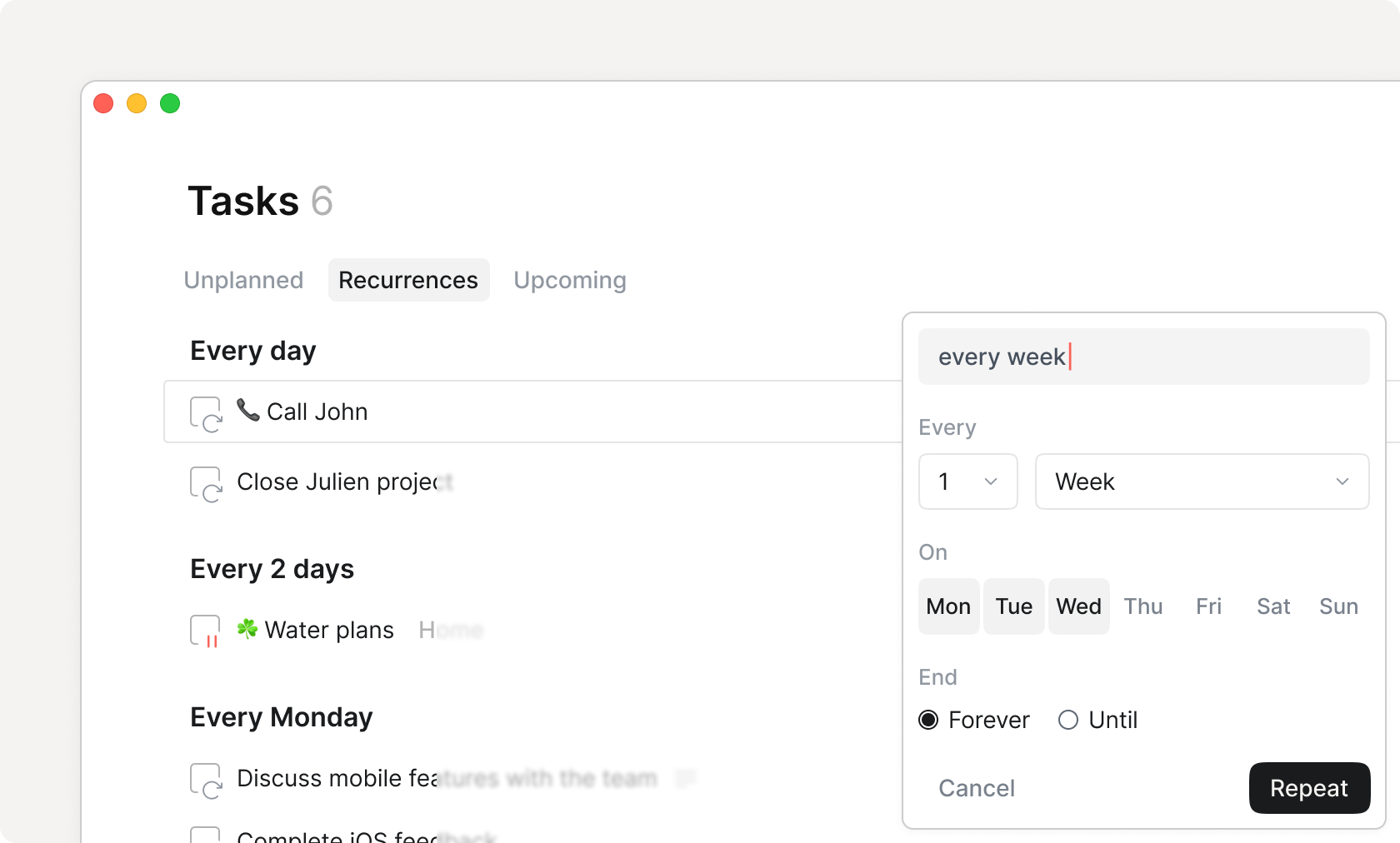
Recurrences
Home Tasks Recurrences
Create repeating actions, from tasks, reminders and more.
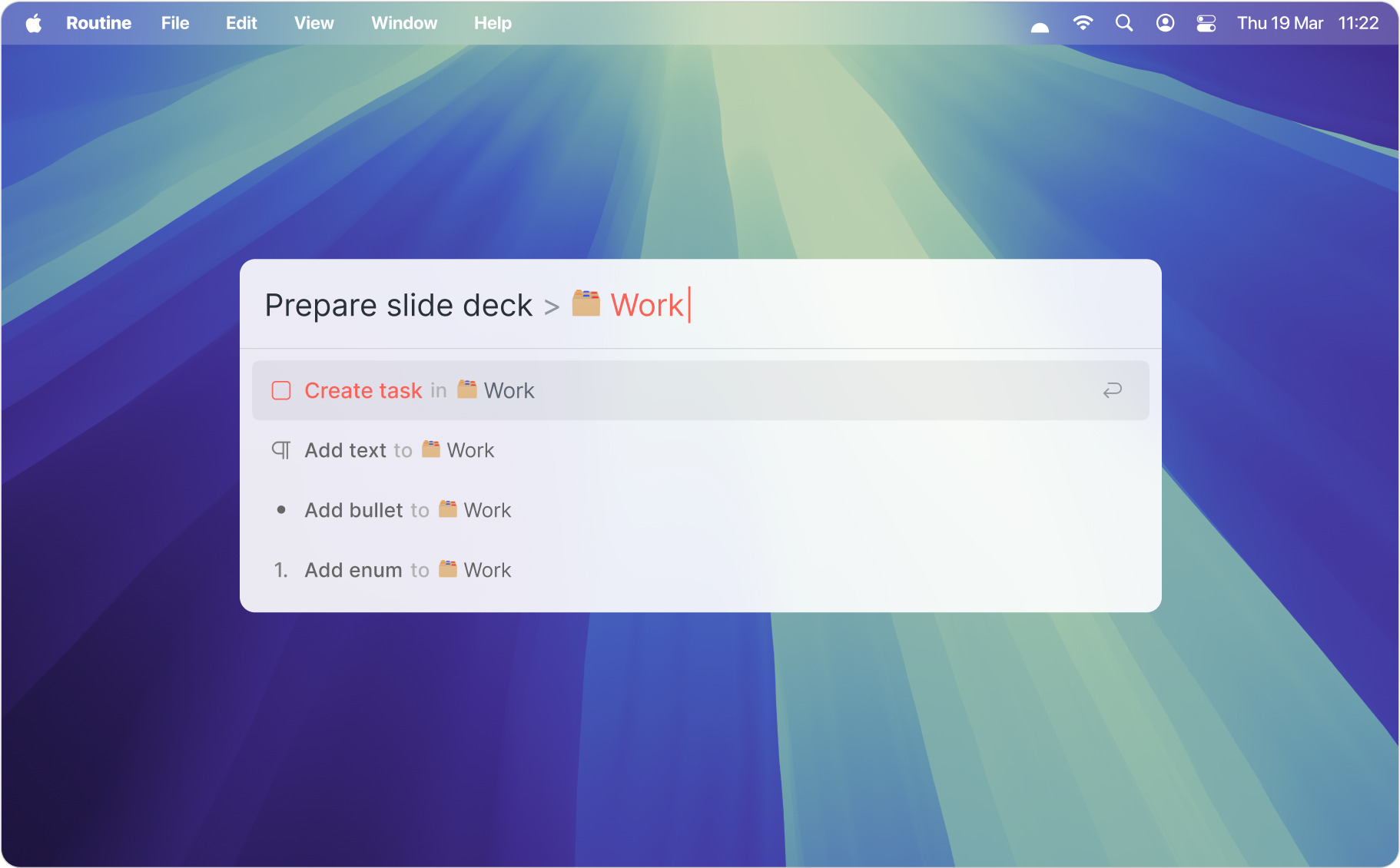
Redirection
Console Redirection
Quickly organize the items that you create through the Dashboard.
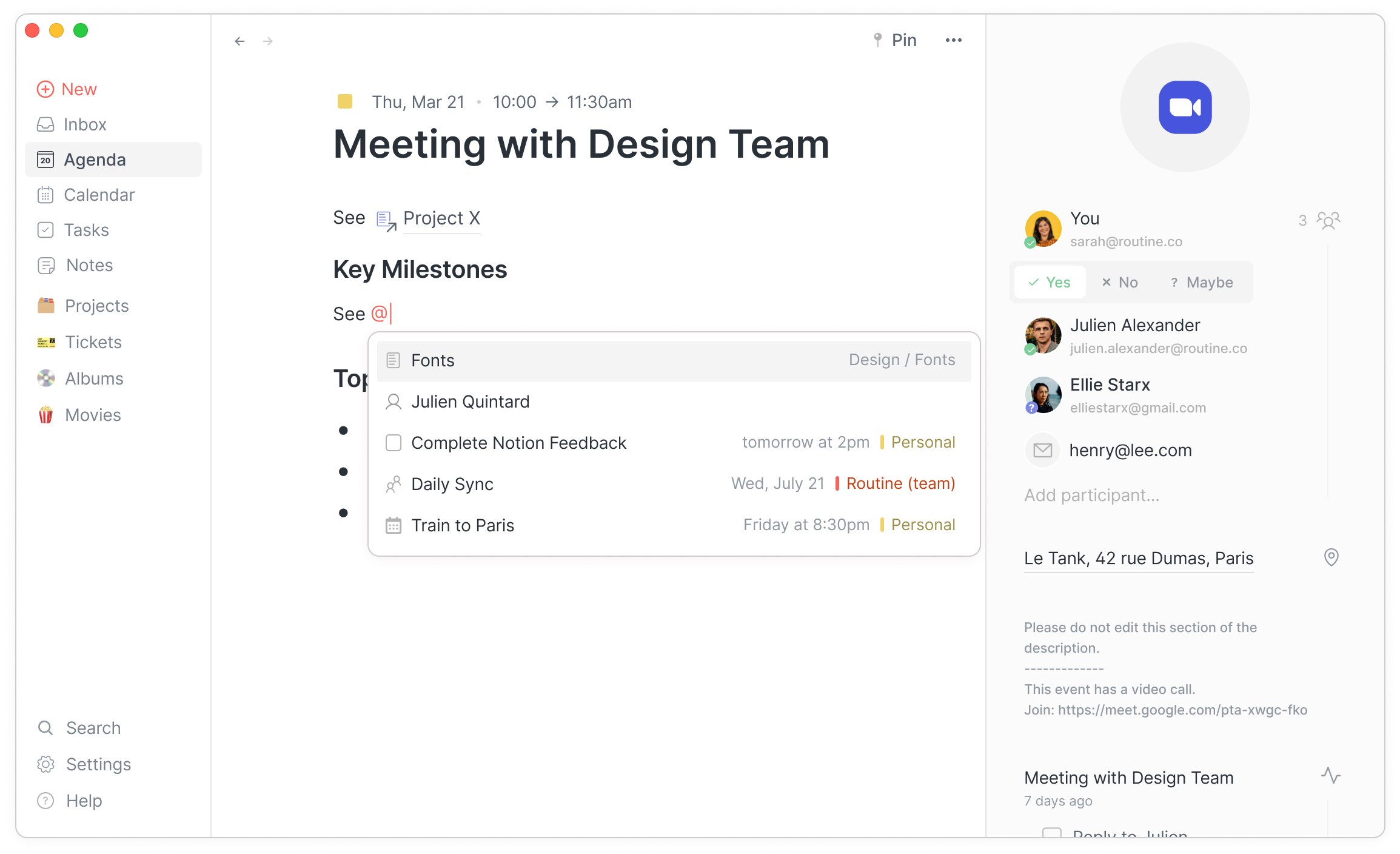
References
References in Event
Create links and backlinks between your objects and notes.
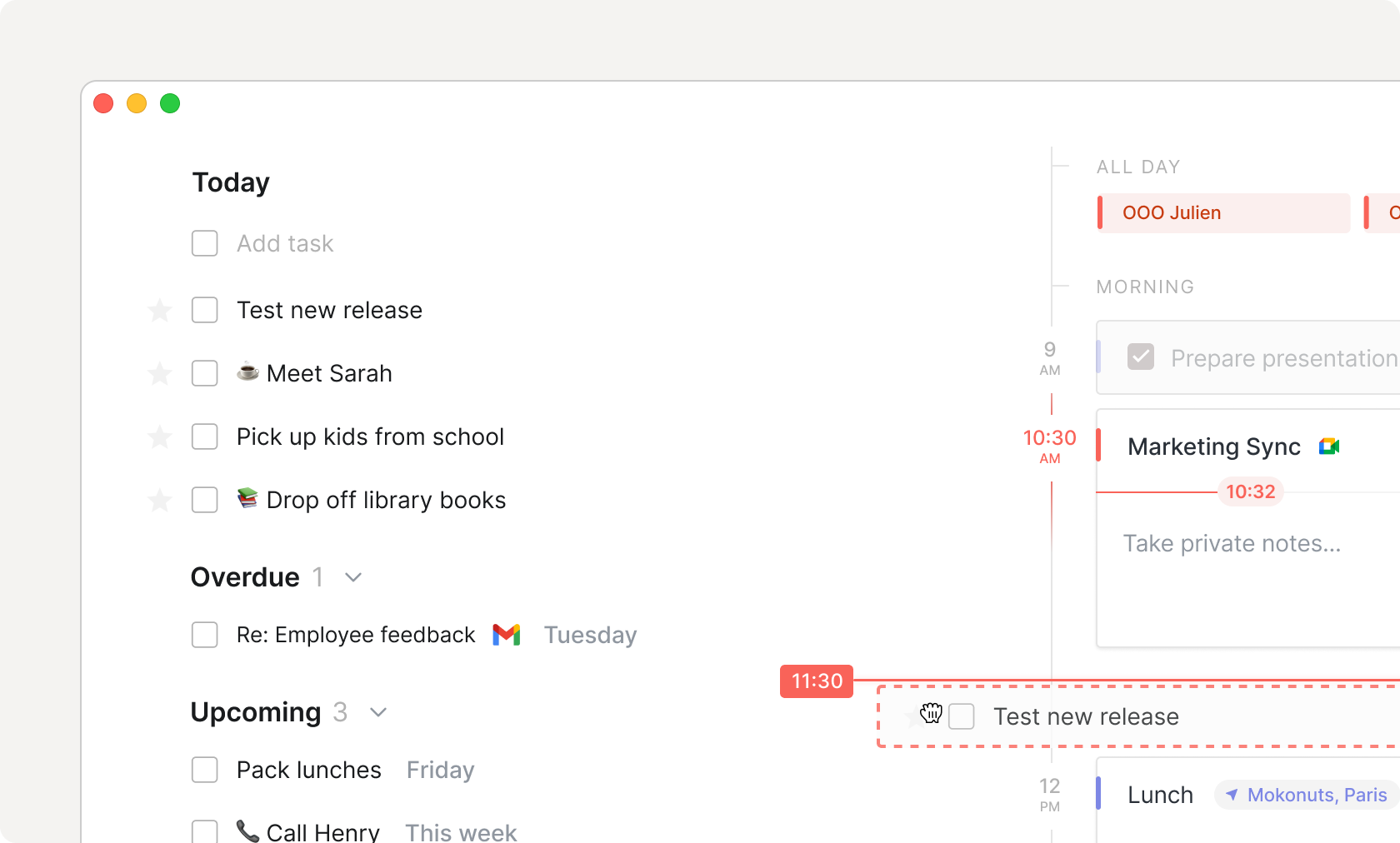
Time blocking
Agenda Time Blocking
Drag your tasks in your calendar to block time.
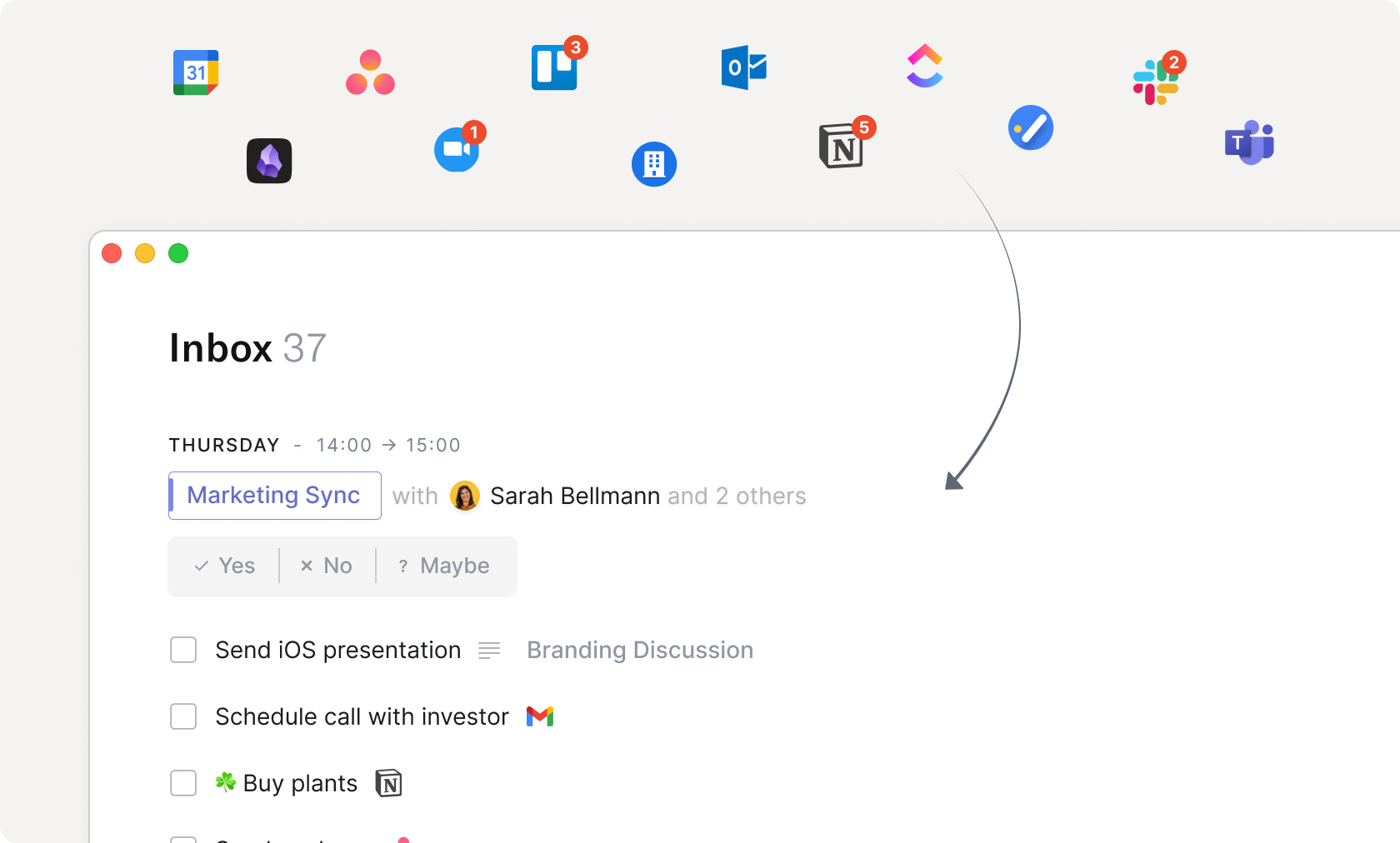
Universal inbox
Home Inbox Integrations
Centralize all your work in a unified inbox: meetings, integrations, tasks and more.
Views
Home Views
Build visualizations (group, filter, sort etc.) on your data, no matter where it comes from.
Templates soon
Transclusion
Visualize objects & blocks from another source directly in your notes.
soon
Pomodoro timer
Menubar Pomodoro
Start Pomodoro sessions to focus on one task at a time.
Timers
Home Menu Bar Widget
Start a task-specific timer and automatically record in your calendar how much time you spent on it.
Automations soon
Canvases
Visually compose your own custom screens with widgets, views, buttons and more.
soon
Commands soon
AI
AI meeting notes
Home AI Meeting Notes
Automatically transcribe and summarize meetings
AI agents
Automate workflows, from researching, structuring data, operating your various integrated services and more.
soon
AI assistant soon
AI autofill
Autofill object properties based on the context e.g during capture.
soon
Integrations
Connections
The number of integrations you can set up per organization.
Service Providers
Integrations
The services (Slack, Dropbox, Gmail etc.) that you can connect to Routine through integrations.
All
All
All
All
Public API
For developers to build on top of Routine by leveraging its API.
soon
Webhooks
Triggers HTTP Webhooks for developers to implement services that react to events occurring in Routine.
soon
State
Offline
Work the same way with or without an Internet connection.
Synchronization
Automatically synchronize all your devices, no matter their platform (macOS, Windows, iOS, Android, Web & Linux).
History
Explore your edit history and restore past versions up to a certain point in time.
soon
7 days
30 days
90 days
Undo/redo
Quickly undo or redo your recent changes.
soon
Versioning
Name versions of your work and restore them anytime.
soon
Accessibility
Dashboard
Dashboard
Quickly access key information and capture thoughts, tasks & notes.
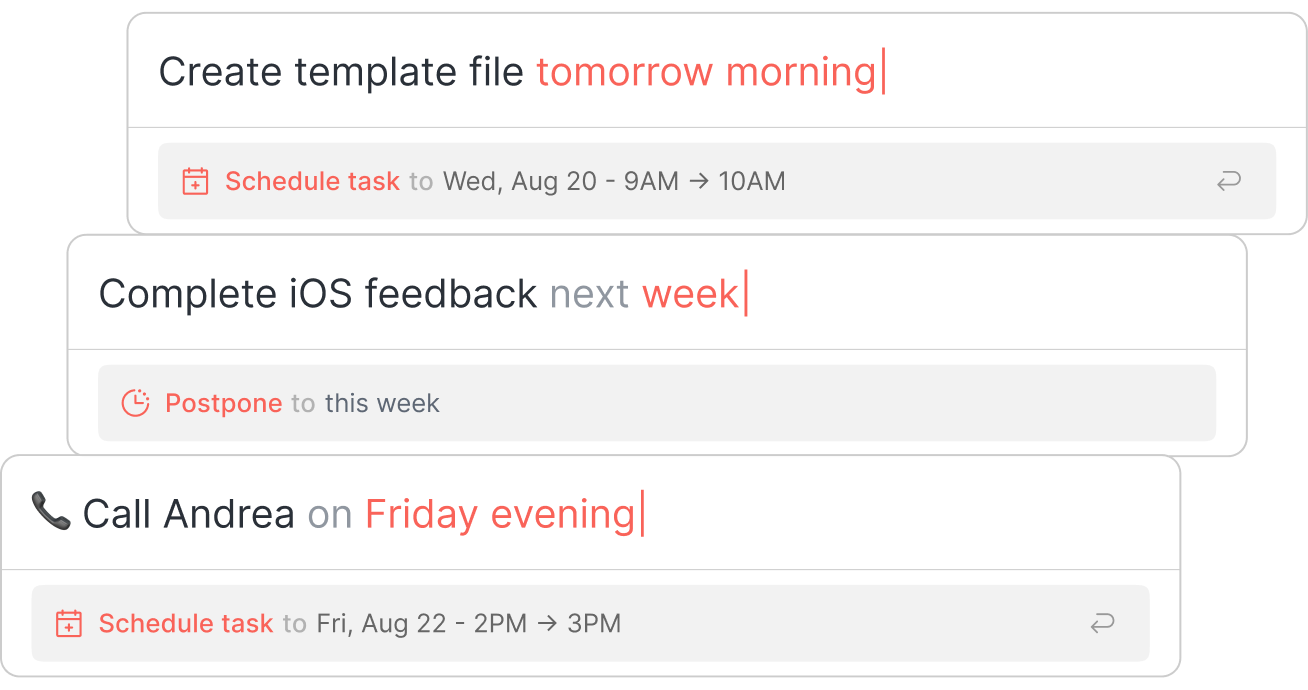
Natural language
Console Schedule Postpone
Use natural language to perform operations such as planning a task, scheduling a meeting etc.
Right click
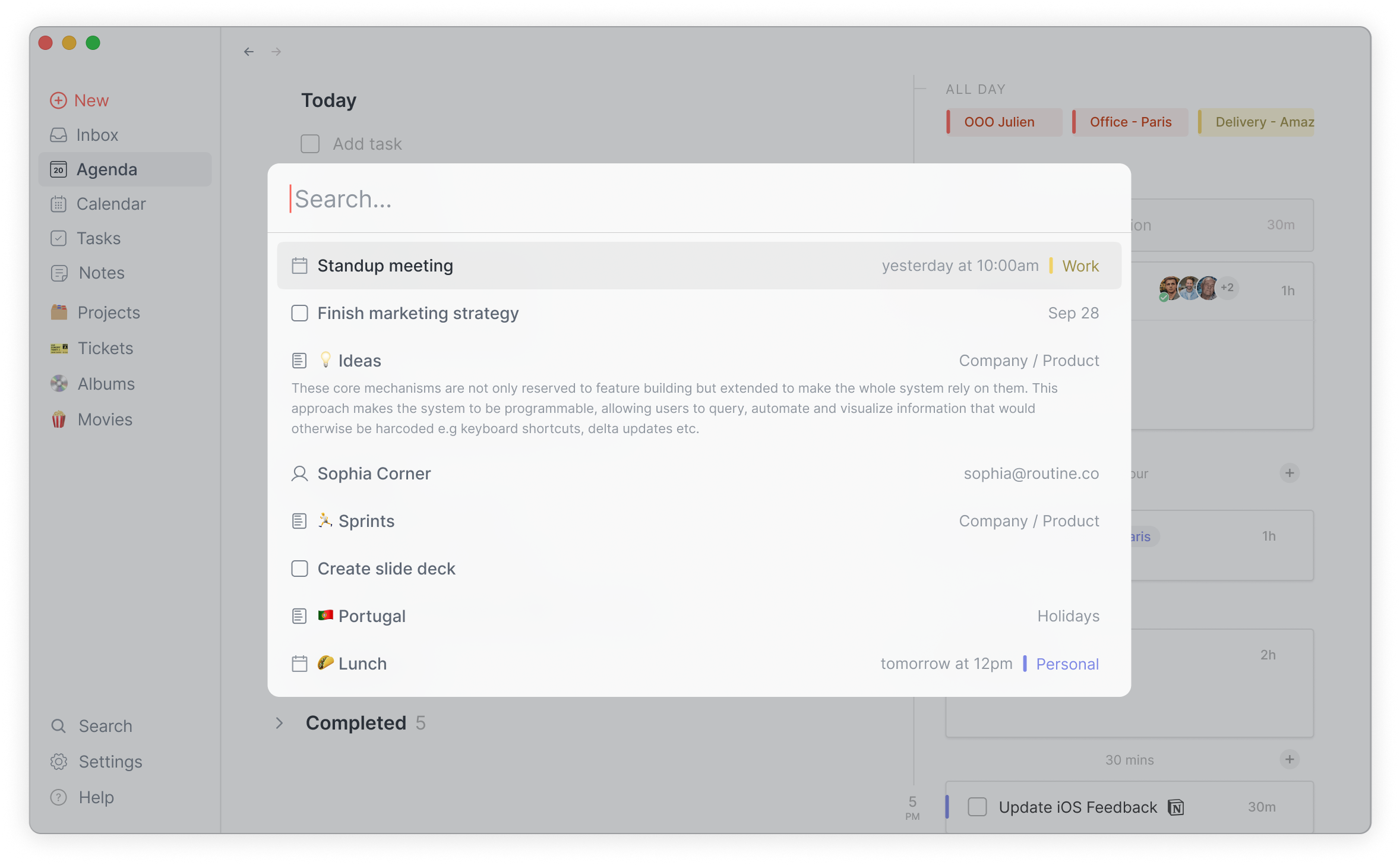
Search
Search Global
Search through your knowledge base, from tasks, projects, notes, no matter in which integrated service they live.
Command palette
Operate the app through a keyboard-centric command palette.
soon
Media
File attachments
5MB
URL embeds
Collaboration
Organizations
Create organizations and invite members to join to collaborate on projects, knowledge and more.
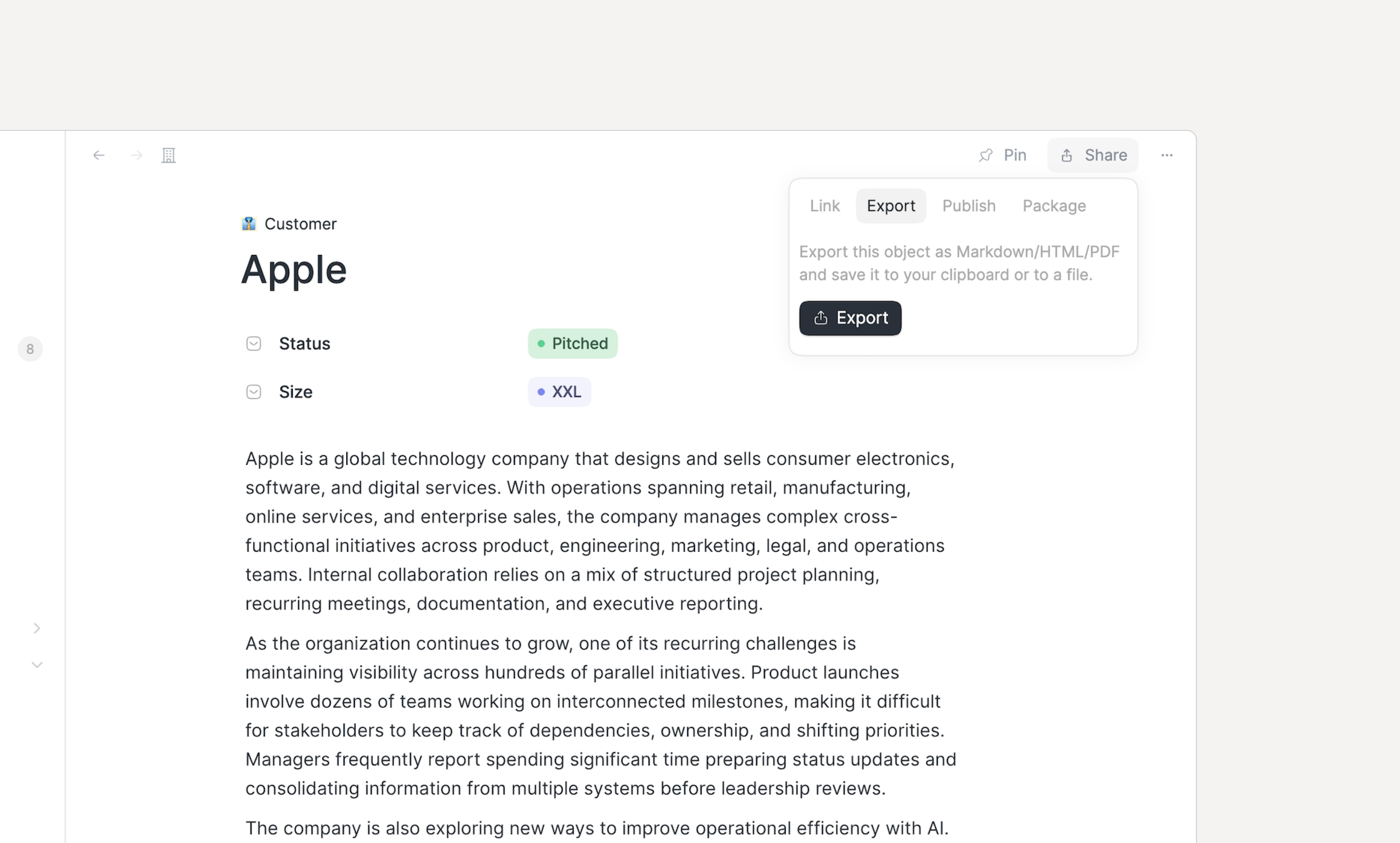
Public sharing
Share your documents, objects and databases with the rest of the world.
soon
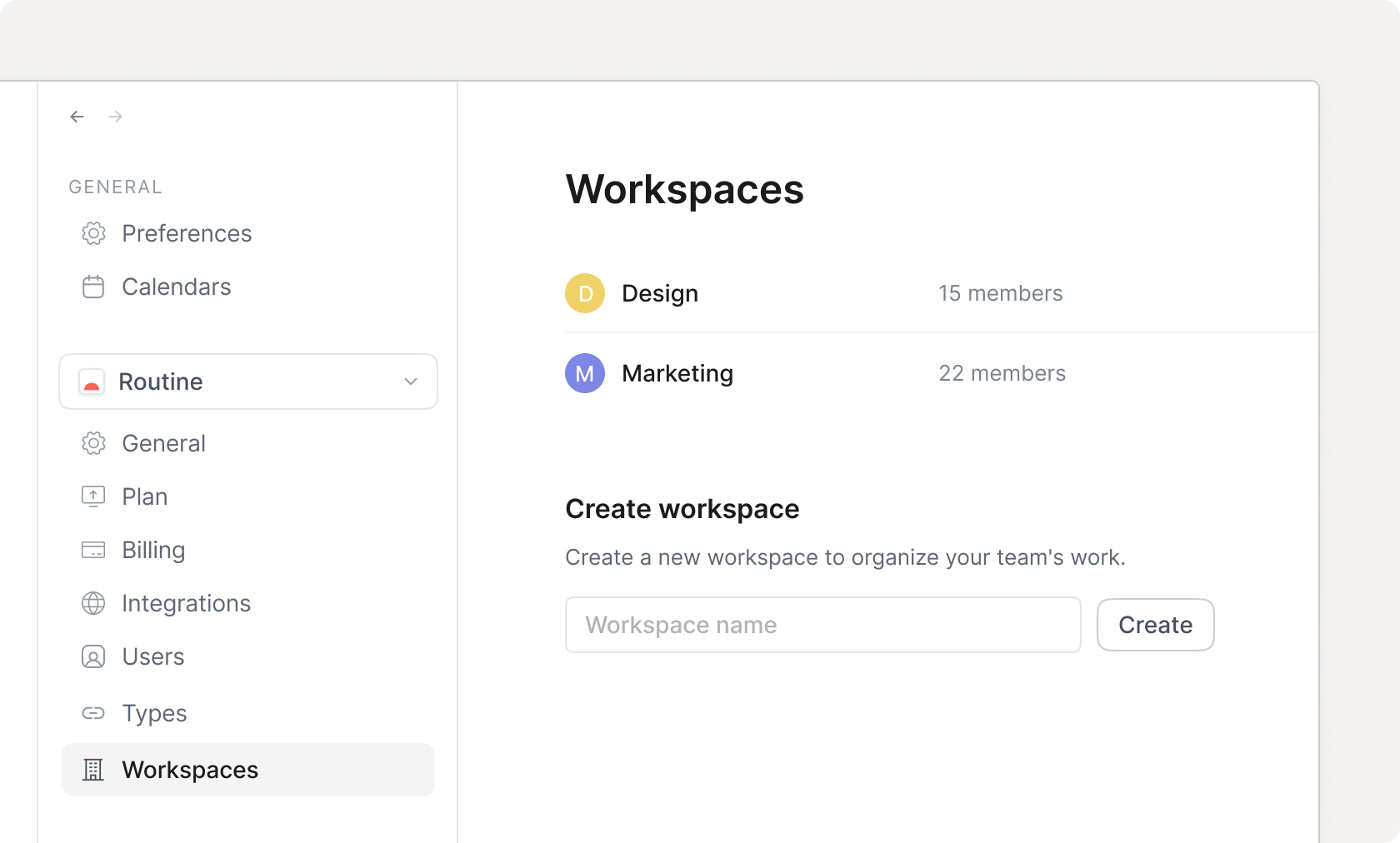
Workspaces
Home Workspaces
Create and manage access-controlled workspaces to represent logical spaces of work e.g for departments, teams etc.
Comments
Discuss with your team on any item in your workspace.
soon
Custom domain soon
Security
Encryption
Data is secured through the military-grade 256-bit AES and SSL/TLS encryption algorithms and protocols.
Single Sign-On (SSO)
Access control soon
Groups
Advanced
Analytics soon
Two-Factor Authentication (2FA) soon
Audit logs soon
Compliance
Access HIPAA protection for your data.
soon
Data retention settings soon
User provisioning
Automate user identity provisioning and lifecycle management i.e SCIM.
soon
Help
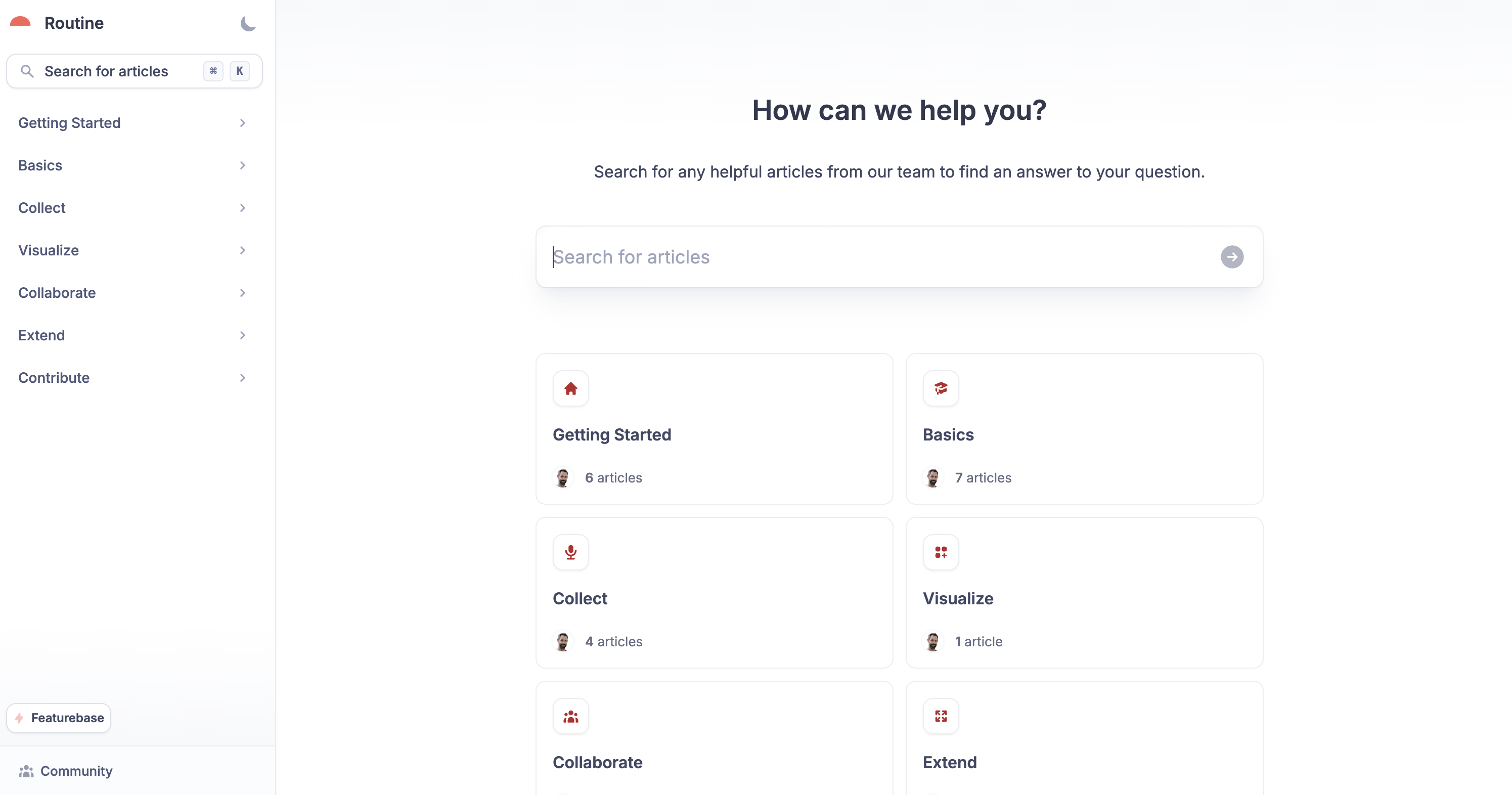
Knowledge base
Help center
Learn how to use Routine through the knowledge base.
Support
Community
Priority
Priority
Dedicated
Success manager soon
Plugins
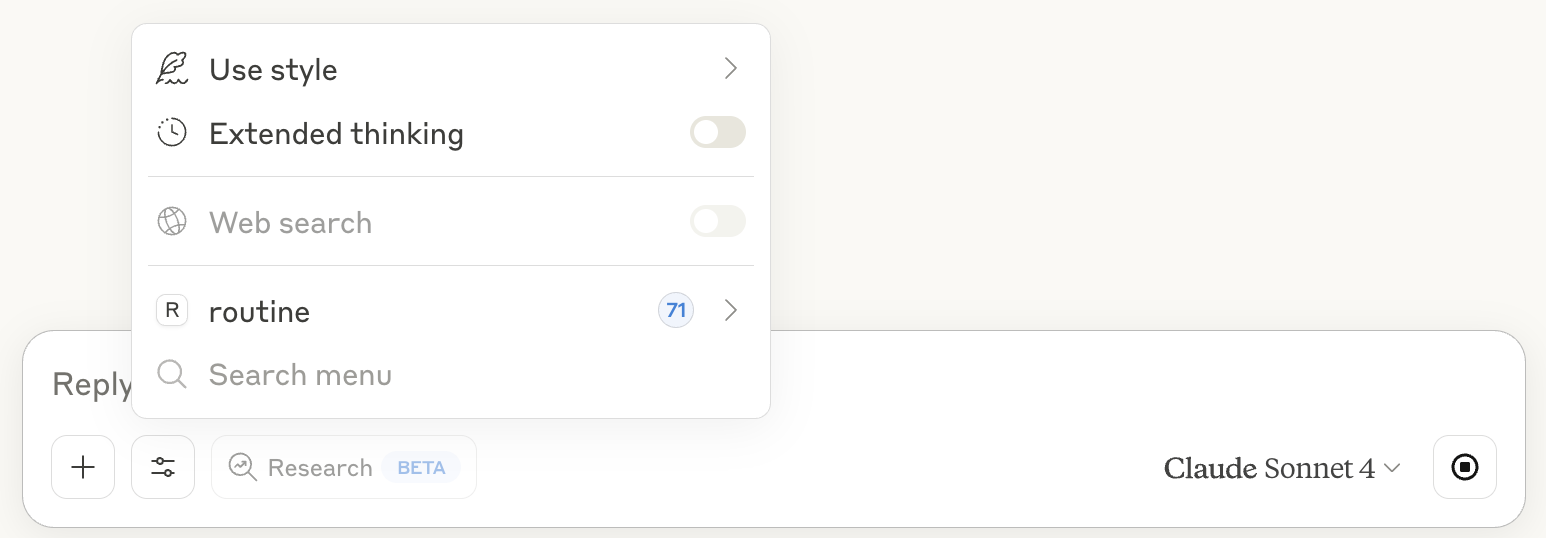
Model Context Protocol
Claude prompt input with Routine MCP
The Model Context Protocol (MCP) allows AI applications (ChatGPT, Claude etc.) to communicate with Routine.
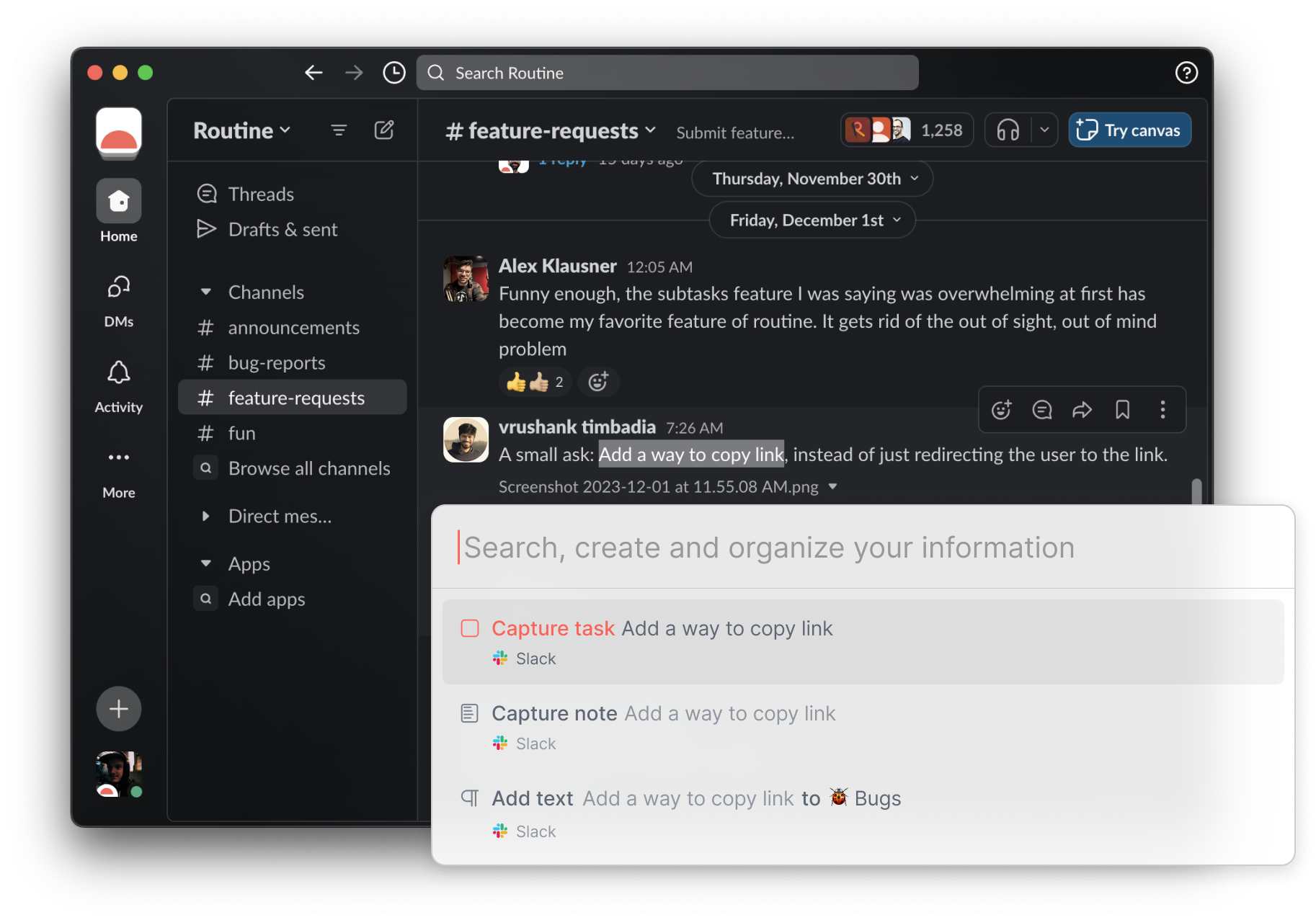
Contextual capture
Contextual Capture Slack
Capture the context of the tasks, notes & more, and easily navigate back to the source.
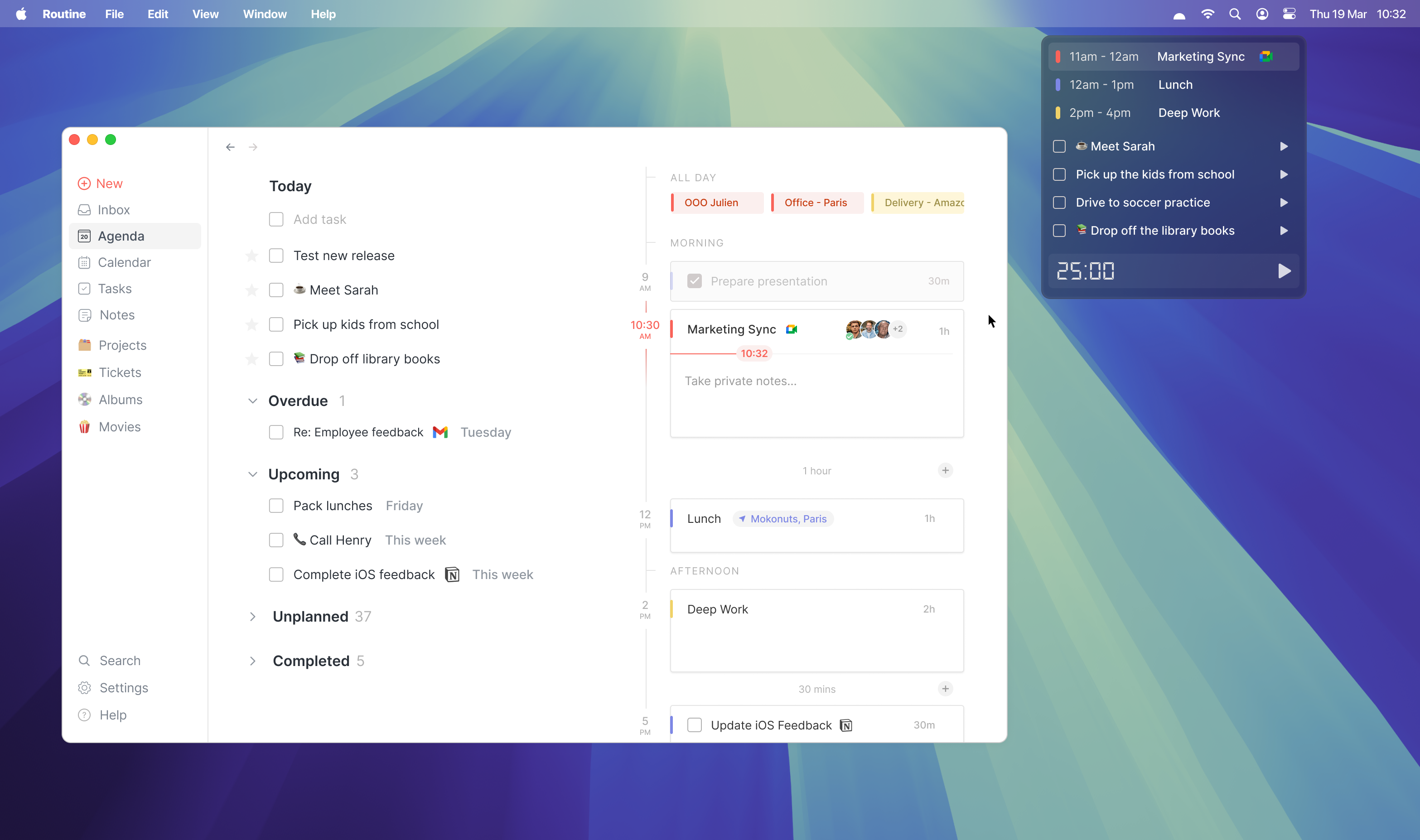
Menu bar widget
Menubar Dashboard
Quickly access your daily information (tasks, events), launch timers and join meetings.
Add-ons
Firefox soon
Google Chrome soon
Microsoft Edge soon

Frequently asked questions

Is Routine free?

What are the accepted payment methods?

What happens if my payment fails e.g my credit card expires?

Why should I pay for Routine?

Routine Symbol

Try Routine today

Get Started